 COME
Settings or Help: Choose the Right COME Menu
Use Settings for the interface controls it shows, and use help for a symptom that needs an explanation. The two menus serve different tasks.
Settings groups preferences and update access
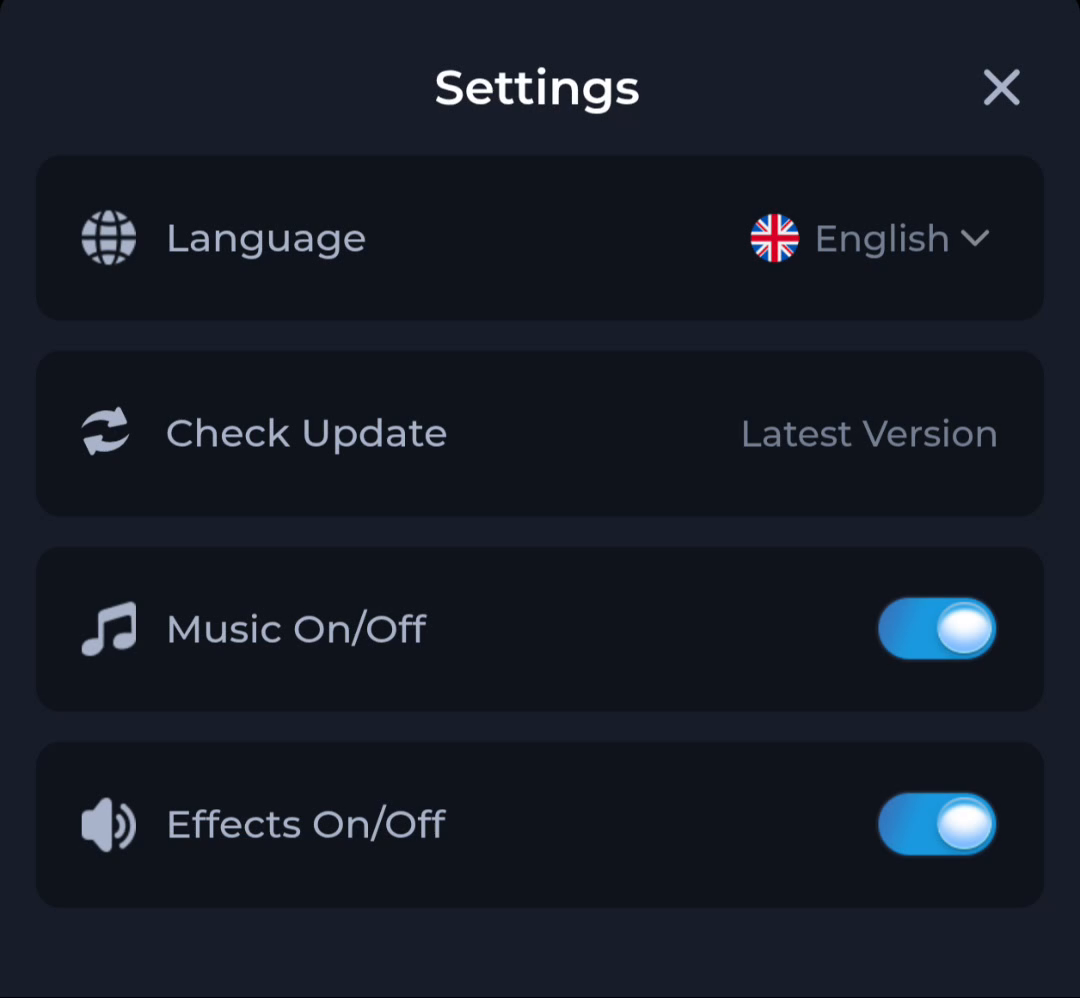
The pictured panel has Language, Check Update, Music On/Off and Effects On/Off. These controls concern the interface or update route. They are not evidence that changing a preference will repair every app problem.
General help groups questions
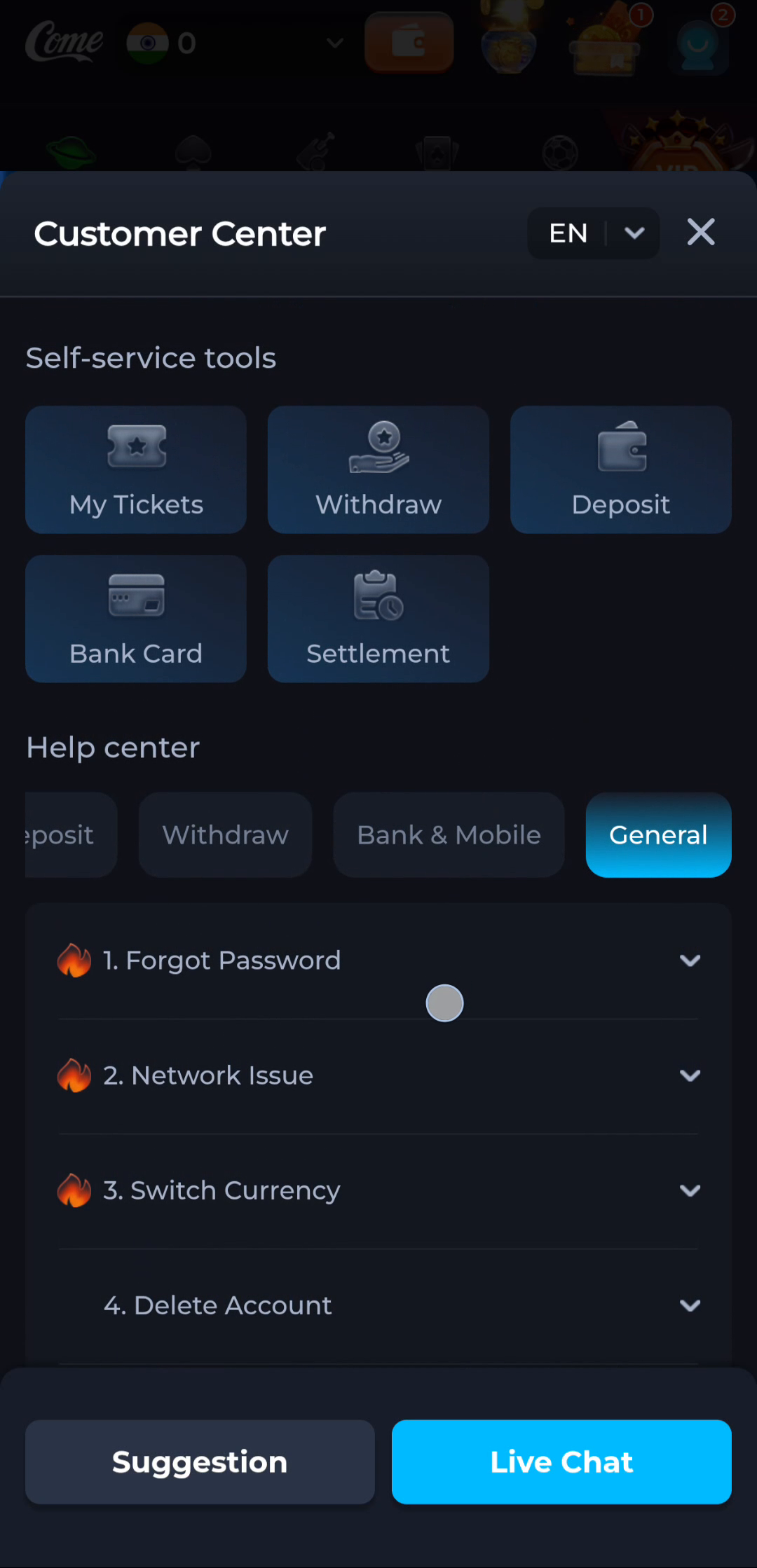
The Customer Center screenshot groups topics such as Forgot Password, Network Issue and Switch Currency under General. Select the topic that describes the symptom you actually see.
Choose by the question you have
- Want to change the interface language? Inspect the Language control.
- Want to compare an update? Start at Check Update and read its result.
- Cannot reach a page? Check connectivity and the Network Issue topic.
- Cannot access an account? Follow the relevant recovery information.
Keep sensitive information out of routine help
A menu explanation does not require your password, one-time code or financial details. Share only the information a relevant service form needs, and check that you are still on the intended destination before entering it.
Return to a single task
After reading a topic, make one relevant change and see what happens. Avoid changing language, clearing data and redownloading simultaneously, because you then lose track of which action affected the problem.
Continue with the right guide
Choose another topic in Guides, or return to the main steps when you are ready.